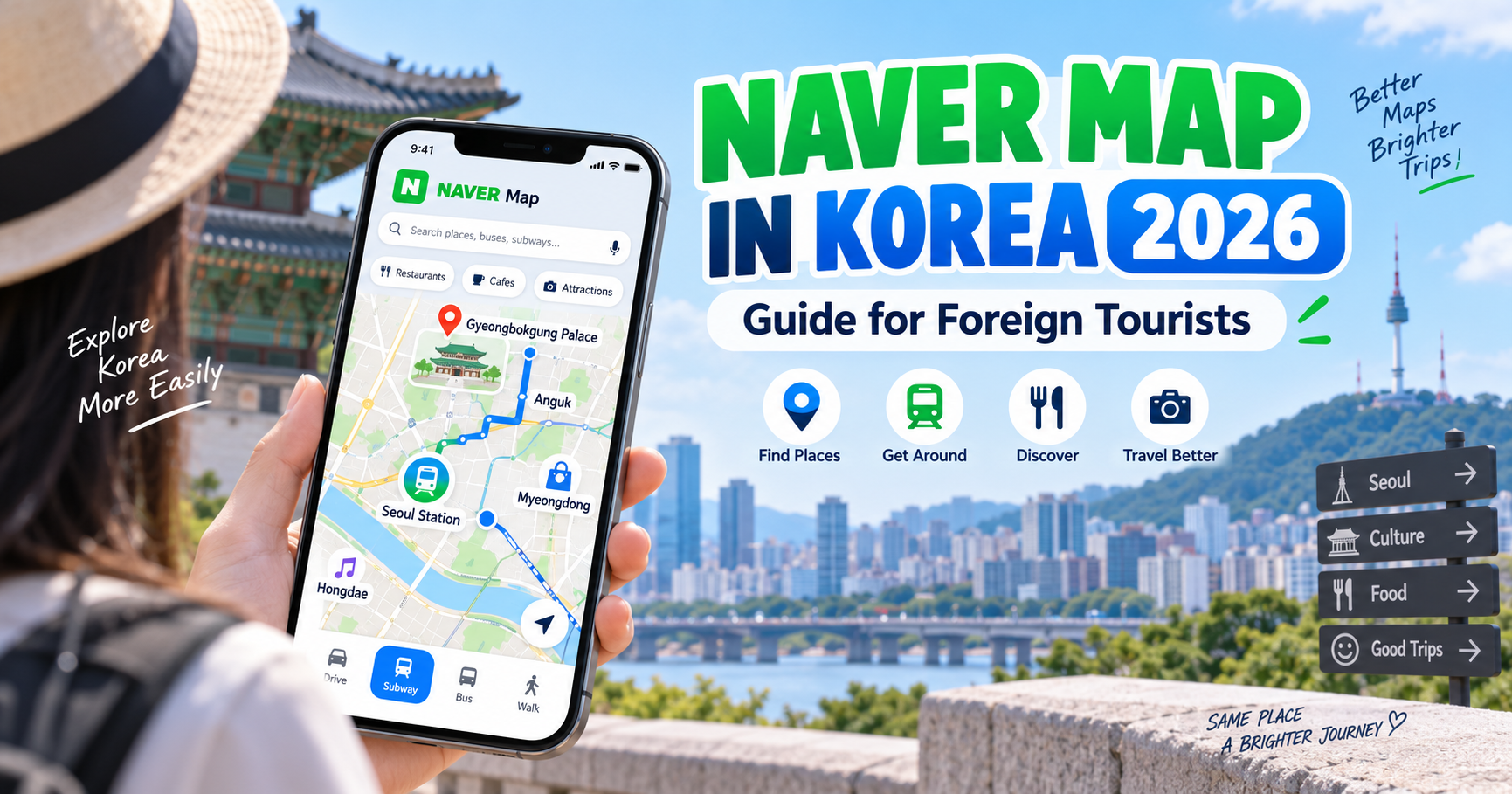
Last updated: September 18, 2026
Can foreign tourists use Naver Map in Korea?
Yes — and in 2026, it is one of the most useful apps you can install before traveling to South Korea.
Naver Map supports multiple languages, including:
English
Chinese
Japanese
and Korean.
It can help you:
Find restaurants and cafés
Search tourist attractions
Check subway routes
See real-time bus arrivals
Find the best station exit
Get walking directions
Read translated reviews
Save places
and even use some booking and payment features.
For many international visitors, Naver Map is more useful in Korea than relying only on Google Maps.
This guide explains how to use it.
Quick Answer
| Question | Answer |
|---|---|
| Can foreigners use Naver Map? | Yes |
| Is Naver Map available in English? | Yes |
| Other supported languages | Korean, Chinese, Japanese |
| Does it show subway routes? | Yes |
| Does it show real-time bus arrivals? | Yes |
| Can it give walking directions? | Yes |
| Can foreigners read reviews? | Many reviews can be translated |
| Do you need a Korean phone number? | Not for basic map use |
| Can foreigners make bookings? | Some services are available, including passport-based verification in 2026 |
| Is it better than Google Maps in Korea? | Often more useful for local transit and place information |
What Is Naver Map?
Naver Map is one of South Korea’s major map and navigation services.
It is operated by NAVER, one of Korea’s largest technology companies.
The app combines:
Maps
Public transportation
Walking directions
Driving navigation
Business information
Restaurant reviews
Place photos
Opening hours
and local search.
This makes it especially useful for travelers because you do not need separate apps for every part of your trip.
Is Naver Map Available in English?
Yes.
Naver Map supports:
Korean
English
Simplified Chinese
Japanese.
For international travelers, this means you can use the interface without understanding Korean.
Place names, navigation information and many reviews are also available in translated form.
NAVER has continued expanding multilingual support specifically for foreign visitors.
How to Change Naver Map to English
After installing Naver Map:
Open the app.
Go to the menu or settings.
Find the language settings.
Select:
English
The interface will then display major functions in English.
If your phone is already set to English, the app may automatically use English depending on your device settings.
Do You Need a Naver Account?
You do not need a Naver account for basic map functions such as:
Searching places
Checking routes
Viewing public transportation
and getting walking directions.
However, creating an account can be useful if you want to:
Save favorite places
Create lists
Use booking features
Access additional personalized services.
For basic sightseeing, you can start using the app immediately.
Can You Search in English?
Yes.
This is one of the most important improvements for foreign visitors.
You can search many destinations using English names.
For example:
Myeongdong
Gyeongbokgung Palace
Hongik University Station
Seoul Station
N Seoul Tower
and other major attractions.
Naver has also continued improving multilingual place search.
However, you may occasionally get better results by using:
The exact English business name
A Korean address copied from a hotel website
or
The Korean name of a place.
If one search does not work, try another version of the name.
Why Naver Map Is Useful for Public Transportation
This is probably its biggest advantage for tourists.
Naver Map can show:
Subway routes
Bus routes
Estimated travel time
Transfers
Walking distance
Real-time public transportation information
and alternative routes.
For example, if you search:
Myeongdong → Gyeongbokgung Palace
the app can compare:
Subway
Bus
Taxi/driving
and walking options.
This makes it much easier to decide the most convenient route.
Does Naver Map Show Real-Time Bus Arrivals?
Yes.
Naver Map provides real-time public transportation information for many routes.
You can search a bus stop and see:
Bus numbers
Expected arrival times
Route information
and stop sequences.
This is particularly useful because Seoul’s bus system can feel more complicated than the subway for first-time visitors.
Instead of trying to understand the entire bus network, you can simply follow the route suggested by Naver Map.
Is Naver Map Good for the Seoul Subway?
Yes.
It can show:
Which subway line to take
Where to transfer
Approximate travel time
Which station to get off at
and walking directions after leaving the station.
It can also help you identify the correct station exit.
This is important because large Seoul stations may have many exits.
Choosing the wrong exit can add a surprisingly long walk.
Naver Map and Subway Exit Numbers
When navigating to a restaurant or attraction, look carefully at the route details.
The app may recommend something like:
Exit 5
or
Exit 8
Do not ignore this.
Two exits from the same subway station may be several hundred meters apart or located on opposite sides of a major road.
Following the recommended exit is one of the easiest ways to avoid unnecessary walking in Seoul.
Can You Use Naver Map for Walking Directions?
Yes.
Walking navigation is useful in neighborhoods such as:
Hongdae
Myeongdong
Seongsu
Ikseon-dong
Gangnam
and Itaewon.
The app can guide you from:
Subway station
to
Restaurant
Hotel
Café
or attraction.
However, urban areas in Korea can contain:
Underground passages
Large intersections
Steep hills
and complex building entrances.
So always compare the map with street signs and your surroundings.
Can You Find Restaurants on Naver Map?
Yes.
In fact, this is one of the app’s strongest features.
Restaurant listings may include:
Photos
Menu information
Opening hours
Visitor reviews
Ratings or recommendation information
Reservation options
and nearby locations.
Because Naver is deeply integrated with Korean local businesses, many restaurants maintain more detailed information on Naver than on international map platforms.
This makes the app particularly useful for finding local restaurants that may not appear prominently on other services.
Can Foreigners Read Korean Reviews?
Yes, increasingly.
Naver Map provides multilingual translation for place reviews.
This allows foreign visitors to view reviews that were originally written in Korean.
That can help you understand:
Popular menu items
Wait times
Service
Atmosphere
and recent customer experiences.
Review translations may not always be perfect, but they can still provide useful context.
Can You Search Cafés and Convenience Stores Nearby?
Yes.
You can search categories such as:
Café
Restaurant
Convenience store
Pharmacy
Hospital
ATM
Supermarket
and many other services.
This is particularly helpful when traveling in an unfamiliar neighborhood.
For example, you could search:
pharmacy near me
or
café near me
and compare nearby results.
Can Foreign Tourists Make Reservations Through Naver Map?
This has become easier in 2026.
NAVER introduced passport verification for foreign visitors in June 2026.
This means eligible foreign users can verify their identity using a passport instead of relying only on a Korean mobile phone number.
After verification, foreign travelers may be able to access services including:
NAVER Booking
NAVER Order
and certain payment functions.
Availability still depends on the specific business and service.
But this is a significant improvement for international visitors.
What Is Passport Verification?
Passport Verification allows users with passports issued outside Korea to verify their identity for certain Naver services.
This can be useful because many Korean online services traditionally required:
A Korean mobile phone number
or
Local identity verification.
With the new system, foreign visitors can access more travel-related features without having a Korean phone contract.
Do You Need Passport Verification Just to Use Naver Map?
No.
Basic navigation does not require passport verification.
You can still use:
Search
Maps
Walking directions
Public transportation
and place information
without completing passport verification.
The passport verification feature is mainly relevant when you want to use additional services such as reservations, orders or payments.
Can You Use Naver Map Outside Seoul?
Yes.
Naver Map works throughout South Korea.
You can use it in:
Busan
Daegu
Jeju
Gyeongju
Incheon
Suwon
Jeonju
and other cities.
It is not just a Seoul app.
Public transportation information is also available across many regions.
NAVER has continued expanding real-time transit information outside the Seoul metropolitan area.
Is Naver Map Useful in Busan?
Yes.
Busan is particularly well supported.
In 2026, NAVER and the Korea Tourism Organization continued their BE LOCAL campaign, highlighting local attractions and restaurants in Busan through Naver Map.
For travelers, this means the app can be useful for both:
Transportation
and
discovering local restaurants and attractions.
Can You Use Naver Map for KTX?
Naver Map can help you understand how to reach train stations and plan transportation around them.
However, for actual KTX train reservations, use an official or supported booking service such as:
Korail
or another authorized ticket provider.
Do not assume that map navigation itself replaces a train ticket booking platform.
Can You Save Places Before Your Trip?
Yes.
This is a very useful feature.
Before arriving in Korea, you can save:
Restaurants
Cafés
Hotels
Attractions
Shopping areas
and other places.
Then when you are in Korea, you already have a personal map of places you want to visit.
This is especially useful for neighborhoods like:
Seongsu
Hongdae
Myeongdong
and Gangnam
where you may have several restaurants and cafés saved in the same area.
A Good Way to Plan With Naver Map
Instead of planning your trip only by day, you can group places by area.
For example:
Seongsu Day
Save:
Café
Restaurant
Pop-up store
Shopping
and attraction
in the same neighborhood.
Then use Naver Map to see which places are within walking distance.
This can reduce unnecessary subway travel.
Naver Map vs Google Maps in Korea
Many international visitors arrive in Korea expecting to use Google Maps exactly as they do at home.
Google Maps can still be useful for:
General location awareness
Saved places
Reviews
and some directions.
However, local Korean map apps often provide more detailed information for:
Public transportation
Local businesses
Building entrances
Bus arrivals
and restaurant data.
For this reason, having Naver Map installed is strongly recommended.
You do not need to completely stop using Google Maps.
Many travelers use both.
Naver Map vs KakaoMap
Both are popular Korean mapping services.
Naver Map
Strong points include:
Detailed business listings
Large number of local reviews
Multilingual support
Public transportation information
and growing foreign-user services.
KakaoMap
Also provides:
Navigation
Public transportation
Walking routes
and local place search.
Some users prefer one interface over the other.
For a first-time international visitor, Naver Map is often easier because of its extensive multilingual support.
Should You Install Both?
You can.
But you do not necessarily need both.
For most tourists:
Naver Map + a translation app
is enough for everyday travel.
If you want a backup or want to compare routes, installing KakaoMap can also be useful.
What If Naver Map Cannot Find a Place in English?
Try one of these methods:
Copy the Korean name
Many hotels and restaurants list their Korean name online.
Copy and paste it into Naver Map.
Search the address
Use the Korean address if available.
Search nearby landmarks
Find a major landmark, station or building nearby.
Check the business website
Many businesses link directly to their Naver Map page.
These methods can help when an English business name is translated differently.
Can You Use Naver Map Without Korean Mobile Data?
The app needs internet access for most real-time features.
If you are using:
Korean eSIM
SIM card
Pocket Wi-Fi
or roaming,
you can use it normally.
Without mobile data, functions such as:
Real-time transit
Live search
and current route information
may be limited.
For this reason, having reliable internet access is important when traveling independently in Korea.
Does Naver Map Work With eSIM?
Yes.
The app does not care whether your mobile data comes from:
eSIM
Physical SIM
Roaming
or Wi-Fi.
As long as you have an internet connection and GPS access, the map can function normally.
Turn On Location Permission
For the best experience, allow Naver Map to access your location.
This allows the app to:
Show where you are
Find nearby places
Suggest nearby transportation
and provide walking navigation.
You can manage location permissions in your phone settings.
How to Use Naver Map for a Subway Trip
Imagine you want to travel from:
Hongdae
to
Myeongdong.
Search:
Myeongdong
Choose your exact destination.
Tap:
Directions
Choose:
Public Transport
The app will suggest routes.
Check:
Subway line
Transfer station
Travel time
Walking time
and destination exit.
Then follow the suggested route.
How to Use Naver Map for a Bus Trip
Search your destination.
Choose:
Public Transport
You may see a bus route as one of the recommended options.
The app can show:
Bus number
Boarding stop
Estimated bus arrival
Number of stops
and destination stop.
When using a Korean bus, remember to tap your transportation card both when boarding and getting off if you want eligible transfer benefits.
How to Use Naver Map After Leaving the Subway
Once you arrive at your station:
Check the recommended exit.
Leave through that exit.
Switch to walking navigation.
Follow the route to your destination.
This is generally easier than trying to memorize every turn before exiting the station.
Is Naver Map Free?
Yes.
The app itself can be downloaded and used without paying an app fee.
You will still need:
Mobile data
Wi-Fi
or another internet connection
for most travel functions.
Additional services such as bookings or purchases may of course involve separate charges from the business or service provider.
Is Naver Map Safe to Use?
Download Naver Map from:
The Apple App Store
or
Google Play.
Avoid unofficial APK download sites or unknown third-party applications.
If you use passport verification, follow the official in-app process.
Best Apps to Use With Naver Map
Naver Map becomes even more useful when combined with a few other apps.
Papago
Useful for translating:
Menus
Signs
Conversations
and Korean text.
Seoul Subway
Useful if you want dedicated subway information.
Taxi app
A foreigner-friendly taxi app can help when public transportation is inconvenient.
Airline or airport apps
Useful for airport transportation and flight information.
You do not need dozens of Korea travel apps.
A few reliable tools are enough.
Common Naver Map Mistakes
Mistake 1: Searching only in English and giving up
Try the Korean name or address if the English search does not work.
Mistake 2: Ignoring the subway exit number
This can add unnecessary walking.
Mistake 3: Looking only at travel time
Compare:
Number of transfers
Walking distance
and stairs or station complexity
as well.
Mistake 4: Trusting old restaurant information without checking
Businesses can:
Move
Close
Change hours
or stop accepting reservations.
Check recent information and reviews.
Mistake 5: Not allowing location access
Navigation becomes much less convenient if the app cannot determine your current position.
Should You Download Naver Map Before Arriving in Korea?
Yes.
Install it before your trip.
Open it once.
Set the language to English.
Search your hotel.
Save:
Your accommodation
Airport
Major attractions
and a few restaurants.
Doing this before arriving makes your first day in Korea much easier.
Frequently Asked Questions
Can foreigners use Naver Map?
Yes.
It is specifically designed to support foreign users as well as Korean users.
Does Naver Map have English?
Yes.
Naver Map supports English along with Korean, Chinese and Japanese.
Do I need a Korean phone number?
Not for basic navigation.
In 2026, passport verification also expanded access to some bookings and payment functions for foreign users without a Korean phone number.
Can Naver Map show bus arrival times?
Yes.
Real-time public transportation information is one of its major features.
Can I search restaurants in English?
Yes, although using the Korean name can sometimes provide more accurate search results.
Can I use Naver Map in Busan?
Yes.
Naver Map works throughout South Korea.
Is Naver Map better than Google Maps in Korea?
For local transportation and business information, it is often more useful.
Many travelers still use both.
Is Naver Map free?
Yes.
Can I make restaurant reservations through Naver Map?
Some businesses support NAVER Booking.
Foreign-user access has improved with passport-based verification introduced in 2026.
Final Thoughts
If you are visiting South Korea in 2026, Naver Map is one of the first apps I recommend installing.
It is particularly useful for:
Public transportation
Finding subway exits
Real-time bus information
Walking navigation
Restaurant research
Local reviews
and discovering nearby places.
The app has also become much easier for international visitors thanks to expanded multilingual support and new passport-based verification for selected services.
A simple Korea travel setup is:
Naver Map for navigation
Papago for translation
T-money for transportation
and
a foreign credit card plus some Korean won for payments.
Download Naver Map before your flight, save your hotel and major destinations, and you will probably use it every day of your trip.